
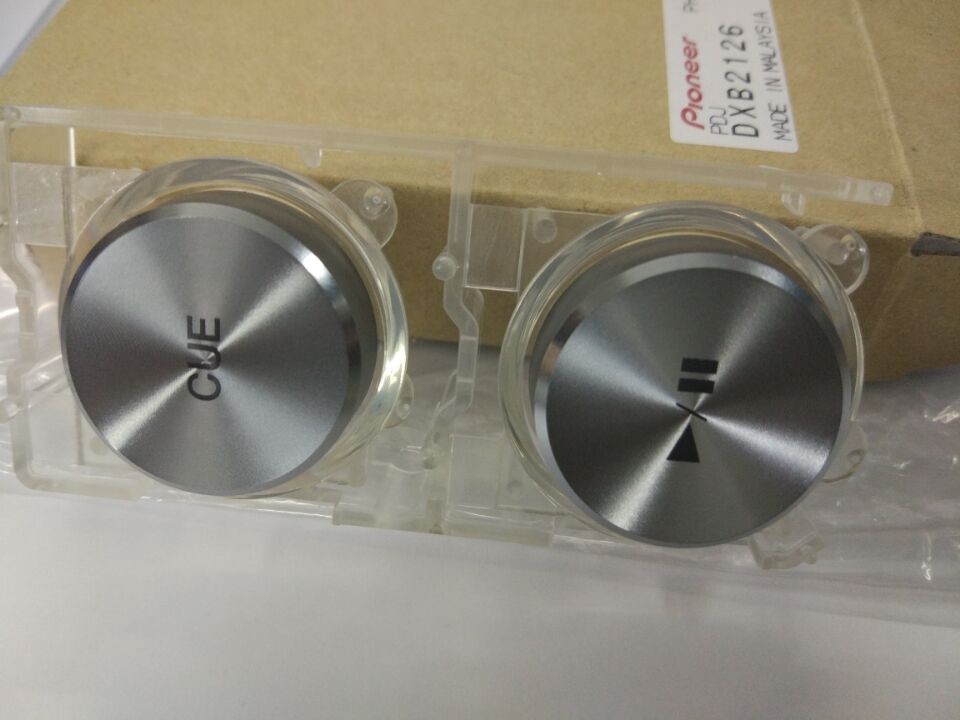
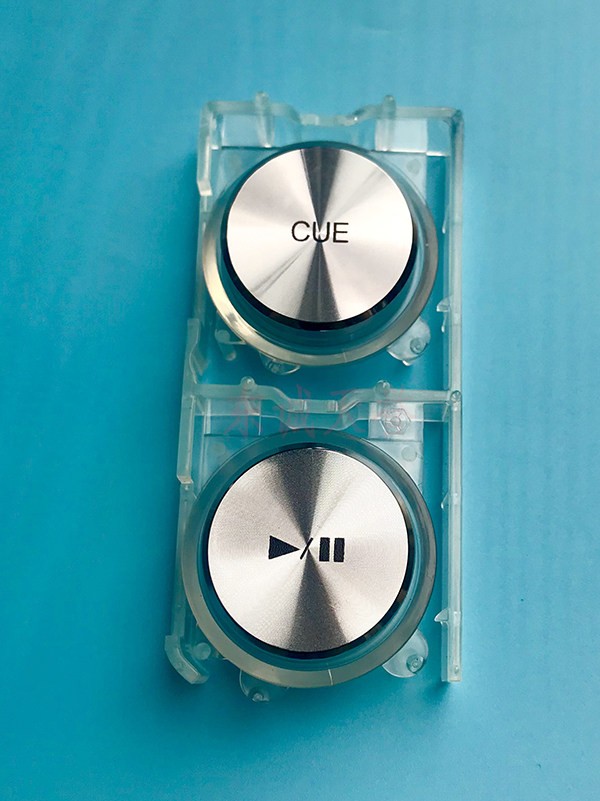
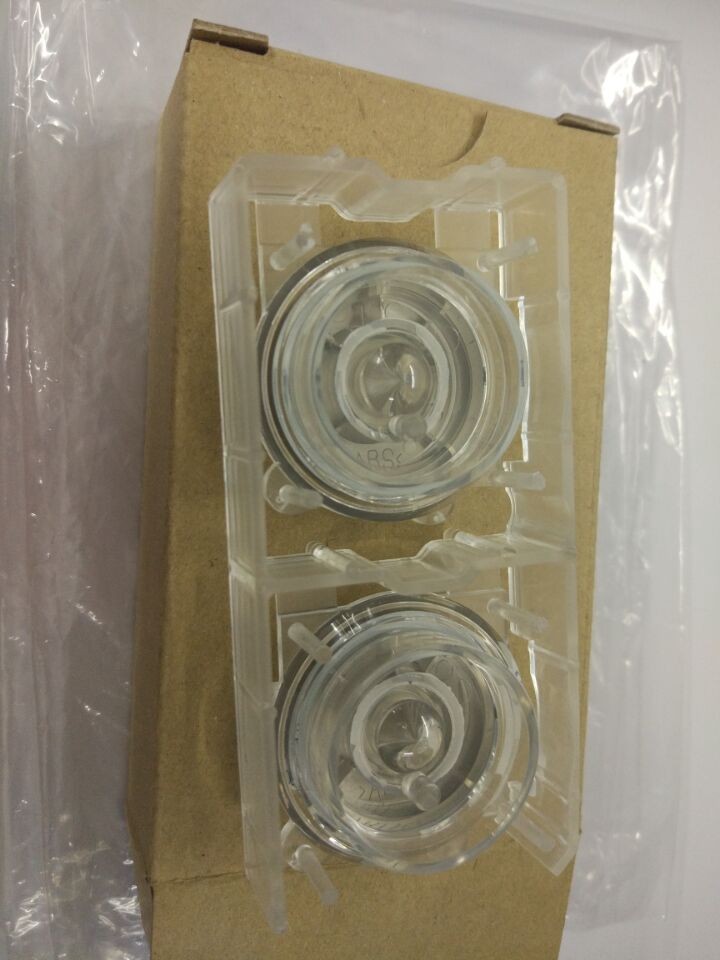
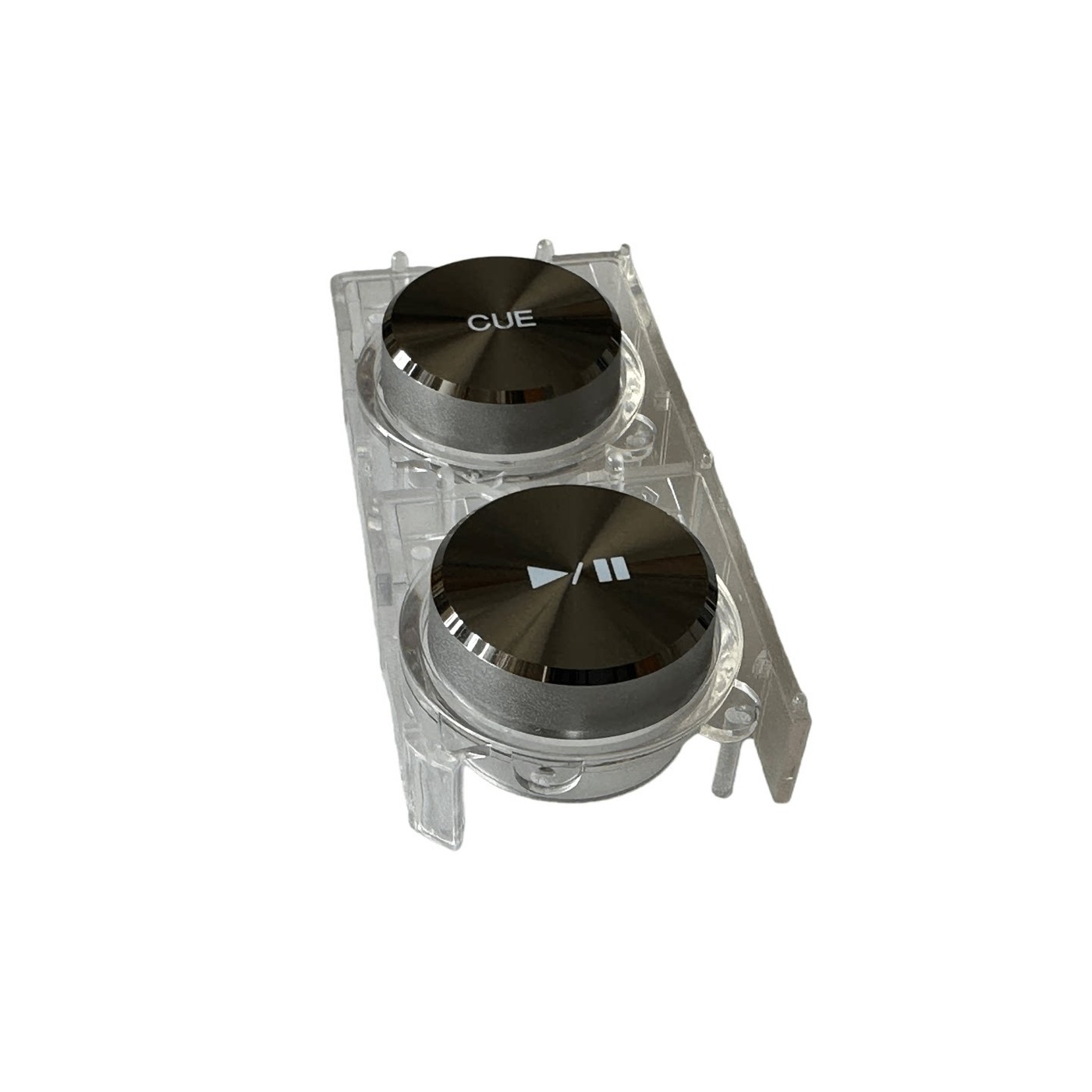
The play/pause control is the most-used button on any CDJ, and the first one to fail: the cap goes soft, the CUE or play symbol wears off, or the tact switch underneath stops registering. On older players the switch itself is soldered to a small PCB, which is why Pioneer lists a button and a board as separate parts.
Button or PCB – which do I need?
- Play/Pause Button – the plastic cap is worn, cracked, or the legend has rubbed off, but the player still responds when you press it.
- Play/Pause PCB – the button feels normal but the deck does not react. The switch on the board has failed, so the whole board is replaced.
Parts covered
- CDJ-2000 – button DXB2069 (genuine Pioneer part), PCB DWX1409, or a single internal button
- CDJ-2000NEXUS – button DXB2126 or PCB DWX3339
- CDJ-2000NXS2 – button DXB2126 or PCB DWX3703
- CDJ-3000 – button DXB2197
Match the part number printed on the label of your existing part before ordering – it is the fastest way to be sure.
Compatibility
Pioneer DJ CDJ-2000, CDJ-2000NEXUS, CDJ-2000NXS2 and CDJ-3000, as listed per option. These parts do not fit the CDJ-900, CDJ-2000NXS or XDJ players.
Fitting notes
Power the unit down and unplug it before opening the case. The button cap clips onto the switch; the PCB is held by screws and connects with a ribbon or plug. Work on an anti-static surface and keep the screws in order – mixing the short and long ones is the usual mistake on CDJ faceplates.
Shipping
The listed price includes a $10 international courier fee. The part itself costs very little to make – the freight is the real cost, which is why a single button is priced the way it is. Shipping is shown as free at checkout because it is already built into the price.
Ordering more than one? The courier fee is covered once per order, so adding more parts does not add shipping. Message us before checkout and we will combine everything into one shipment.
FAQ
My button works but the label is worn off – do I need the board?
No. The button cap alone is enough.
I replaced the button and it still does not respond – what next?
The switch on the PCB has failed. Order the board for your model.
How do I confirm the right part?
Read the number printed on the old part: DXB numbers are buttons, DWX numbers are boards.
More spares in Hardware & Spares. If the screen is the problem instead, see the multi-model touch screen and LCD replacement or the XDJ-RX2 screen.
Is this an OEM part or an aftermarket one?
It is a replacement CDJ-REPLACEMENT part supplied for repair work. Where the listing says genuine, the part is the original manufacturer’s; otherwise it is a matched aftermarket equivalent.
Reviews
There are no reviews yet.